
Never forget the little things again.
Simple reminders for the things you keep forgetting. Bills, calls, pickups and tablets — with big buttons, clear words and an alert on your phone when it’s time.
Sign in with Google · No password · Works on Android phones and computers
- 1 tap
- to mark done or snooze
- 4 steps
- to add a reminder
- 0
- passwords to remember
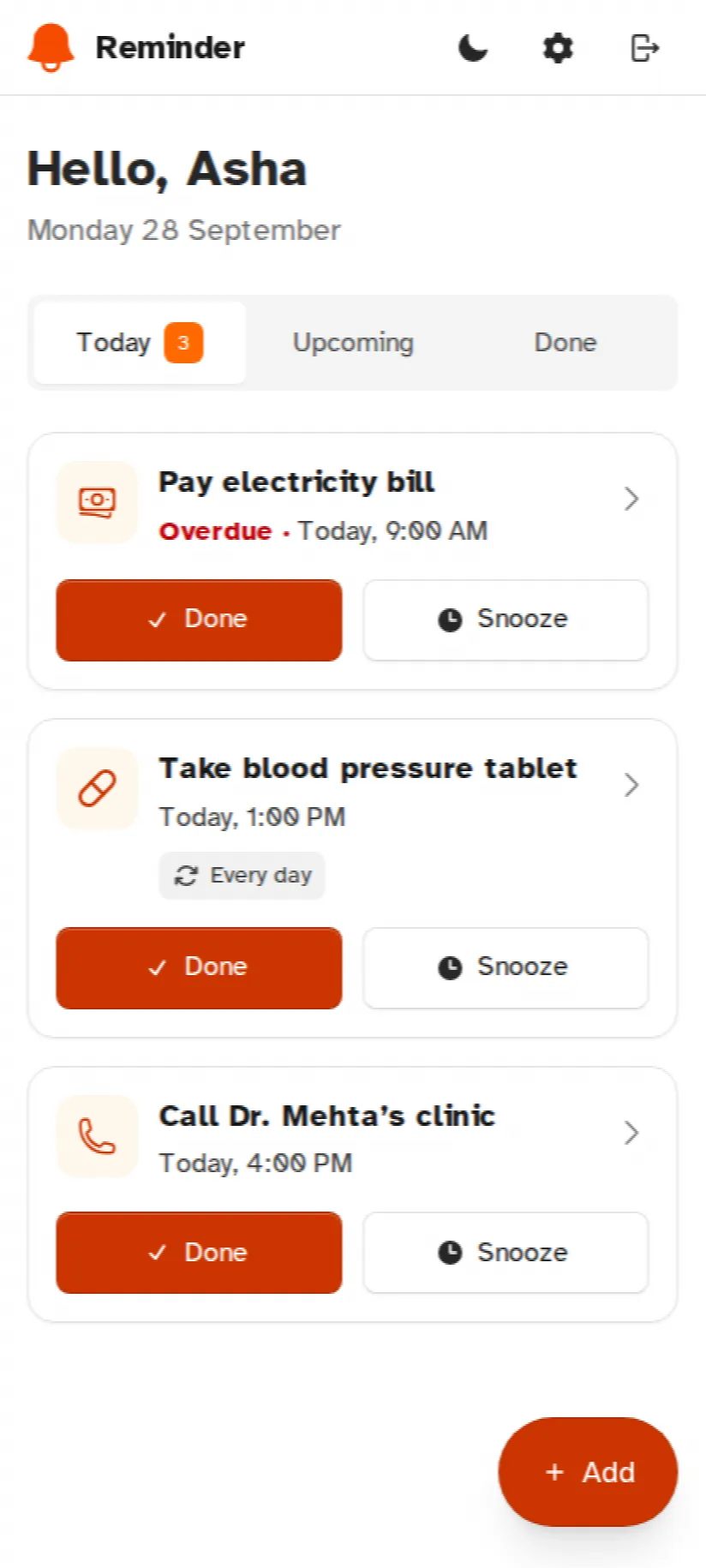
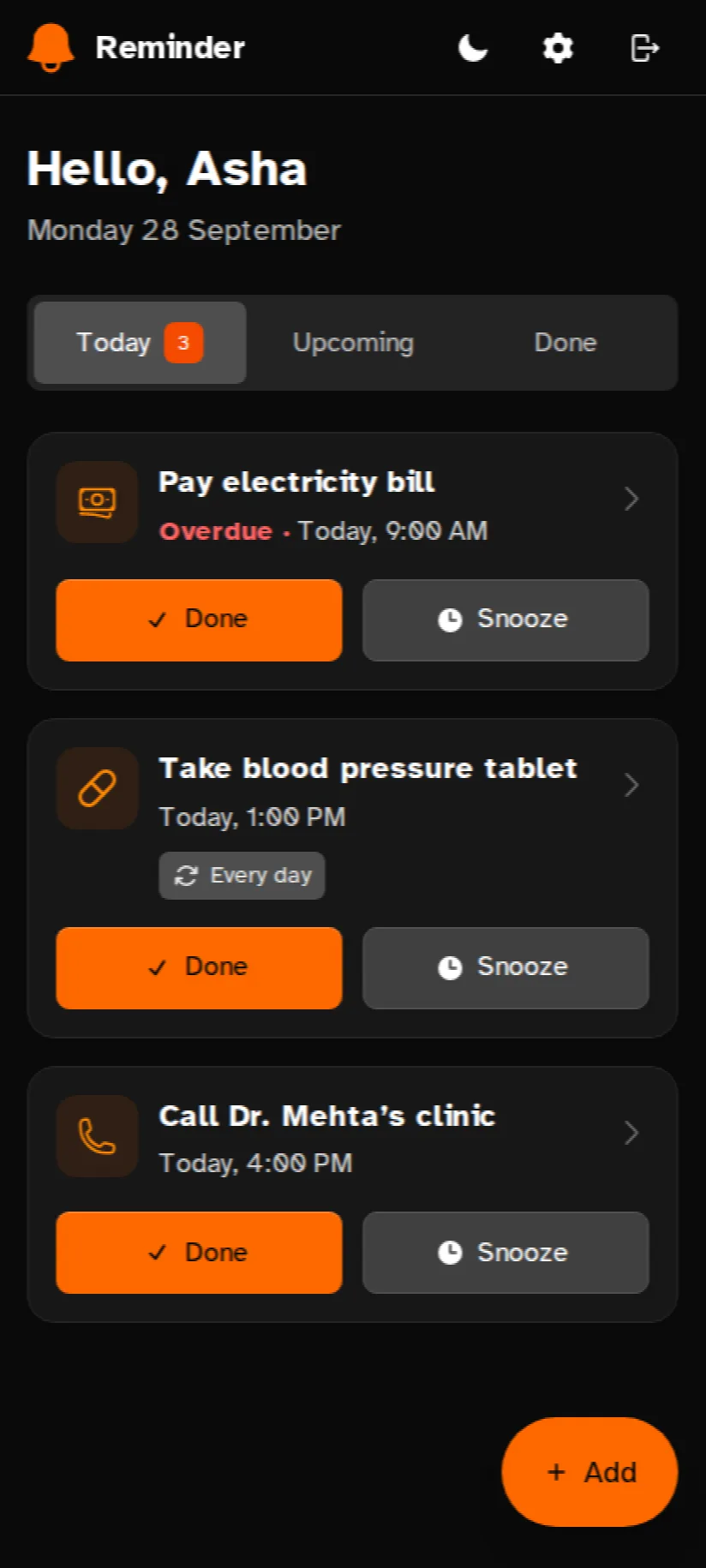
Everything you need. Nothing you don’t.
No settings to learn and no clutter — just the things you need to remember, and a nudge when it’s time.
Add it in a few taps
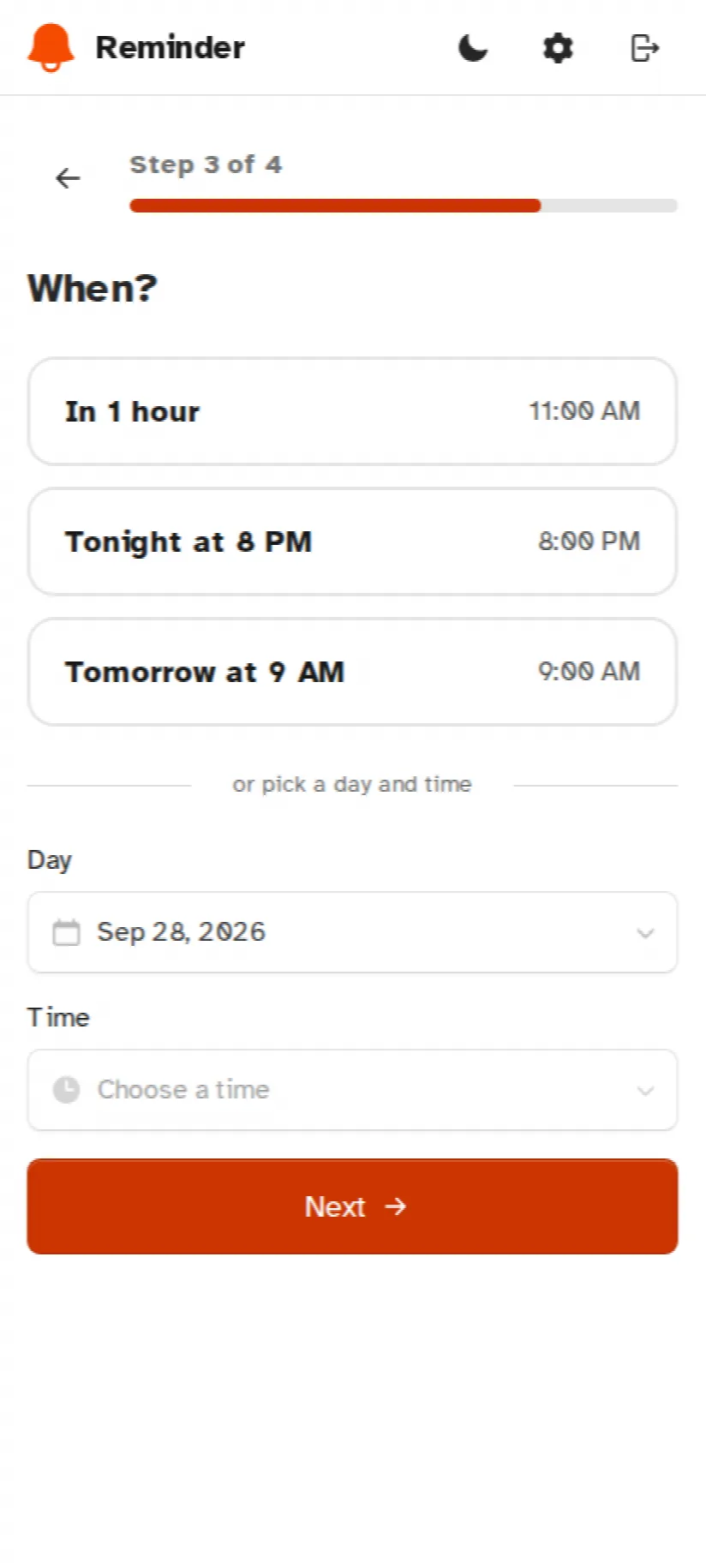
Pick what it’s about — a bill, a call, a pickup — then a time like “Tomorrow at 9 AM”. Little or no typing.
An alert on your phone
Reminder sends a notification when something is due, even when the app is closed. Tap it to open the reminder.
Done or snooze
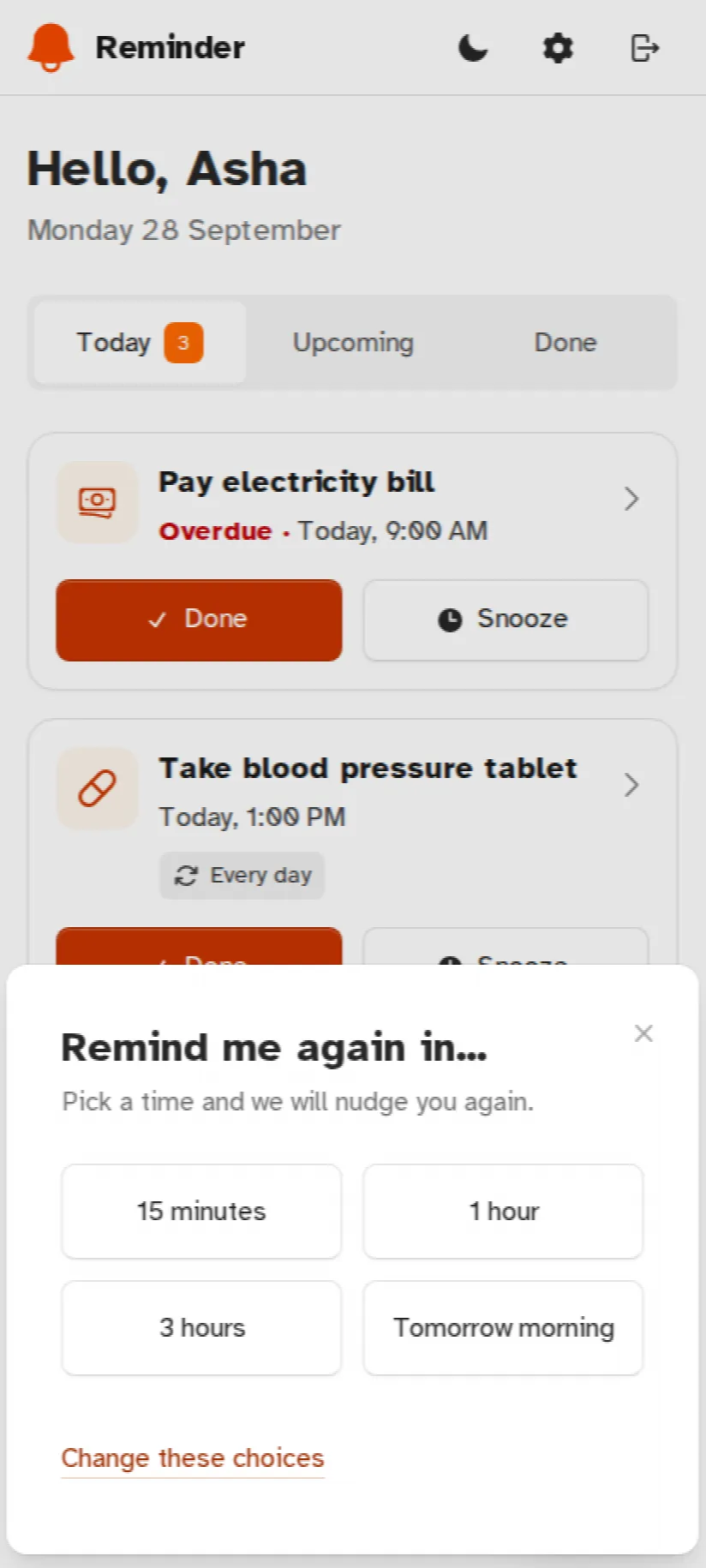
One tap marks it done, or snoozes it for 15 minutes, an hour or until tomorrow morning. Tapped by mistake? Undo.
Repeats by itself
Daily tablets, monthly bills and yearly birthdays move to their next date on their own.
Easy to read
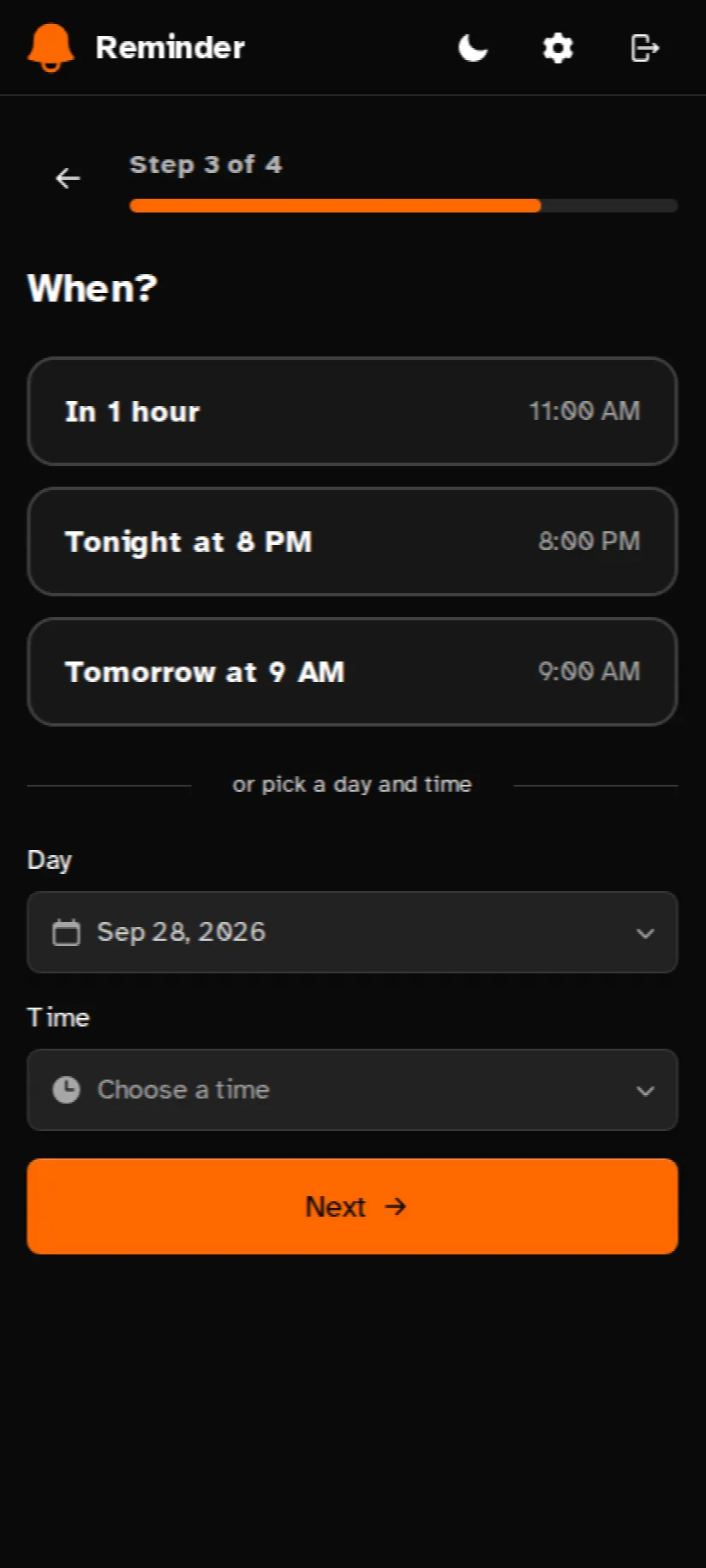
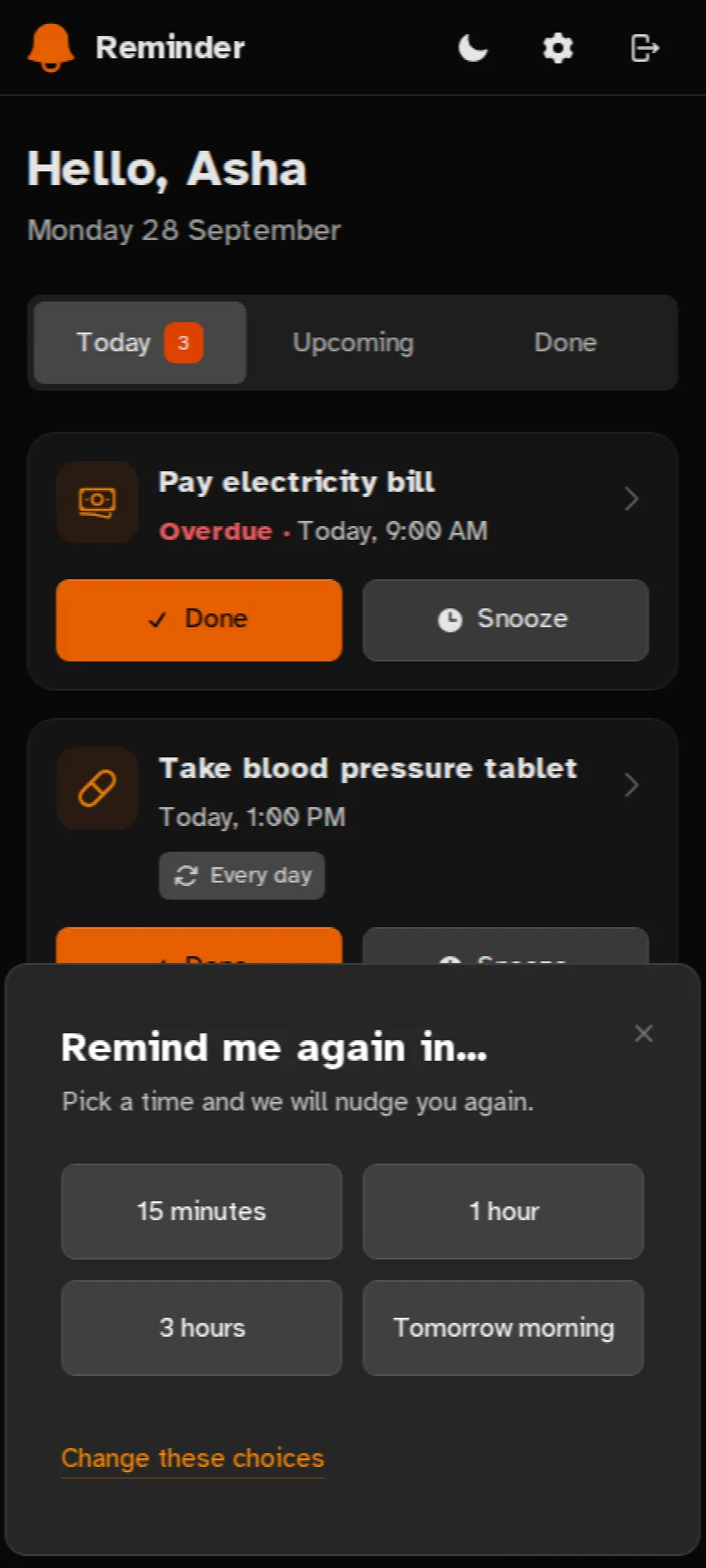
Large text, big buttons and a typeface designed for easy reading. Switches to dark mode with your phone.
No passwords, no ads
Sign in with your Google account. We don’t show ads and never sell your information.
Big, clear and simple on every screen.
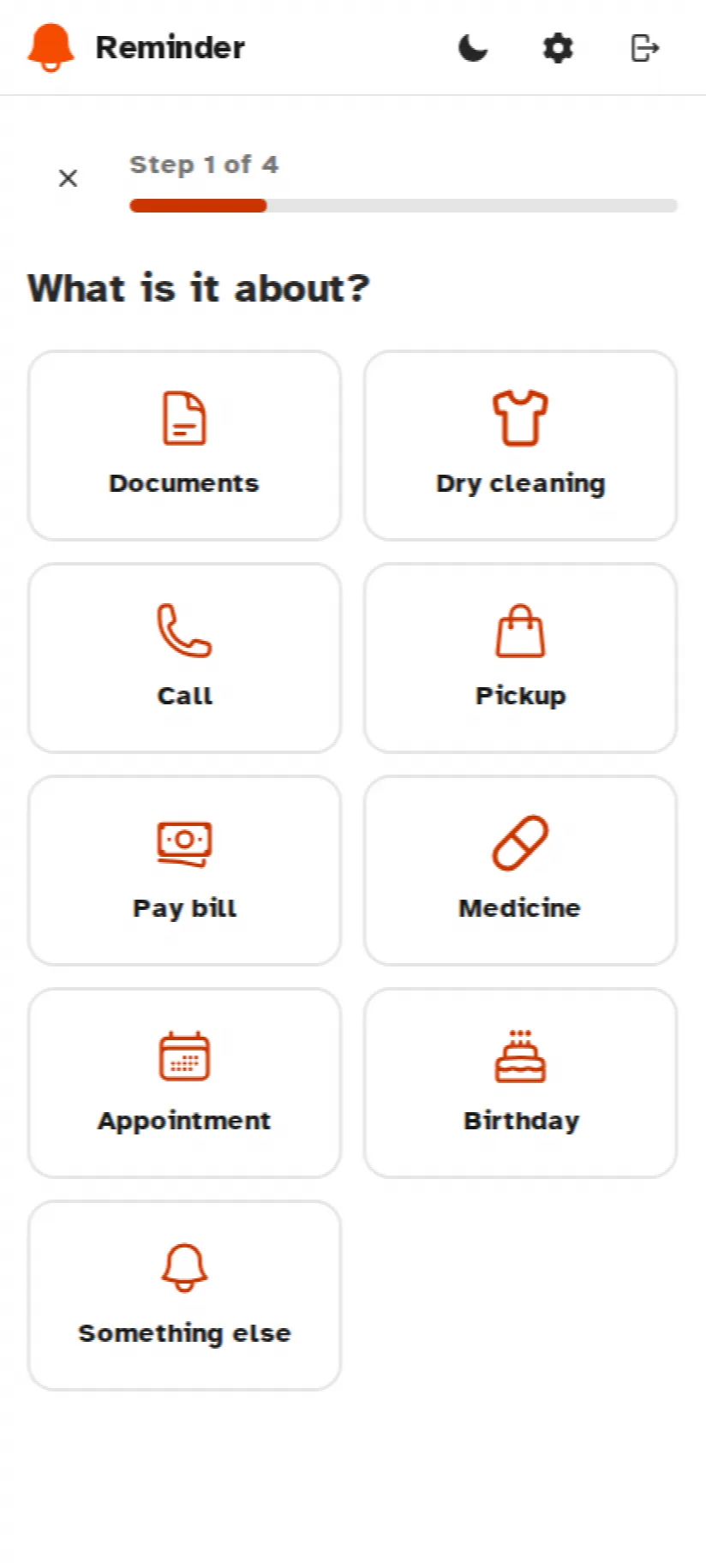
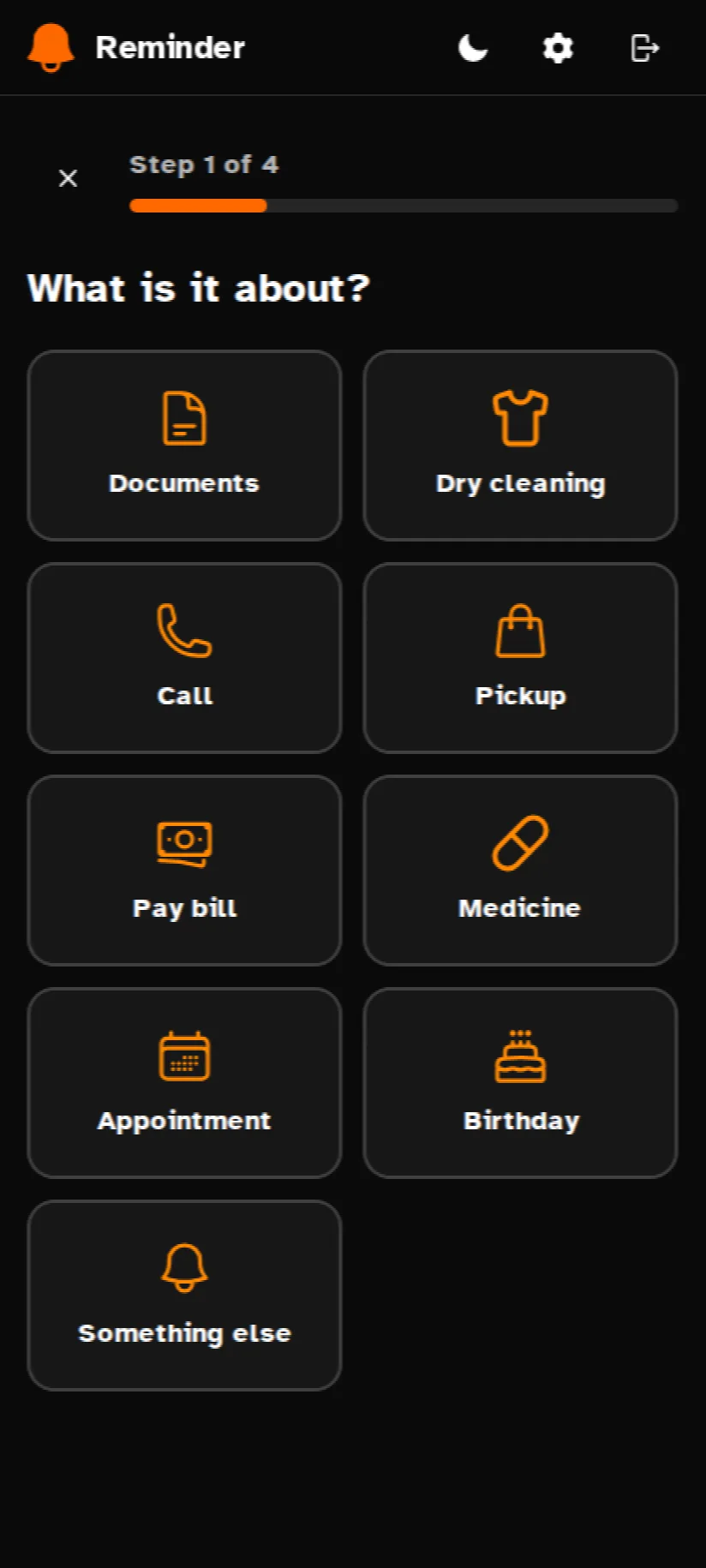
Ready in two minutes
No app store and no password. Just four simple steps.
-
1
Sign in with Google
Tap “Get started” and choose your Google account. Your account is ready straight away.
-
2
Put it on your home screen
Tap “Install” at the top of the app, so Reminder opens like any other app on your phone.
-
3
Turn on alerts
Tap “Turn on alerts” and allow notifications, so your phone can remind you.
-
4
Add your first reminder
Tap “Add”, pick what it’s about and when. Reminder takes it from there.